
Safety

Verification and
tools to block or report.
Members can choose ID and selfie verification during onboarding or later in Settings. Photos are screened on upload, and safety tools are available on Free and Premium.
Block or report someone, hide your profile from a specific person, and use an optional biometric app lock.
Chat warnings help when a phone number or bank detail may be shared. Sensitive screens can block screenshots.
Find safety guides, a pre-date checklist and emergency contact sharing in the app.
Safety tools,
one tap away.
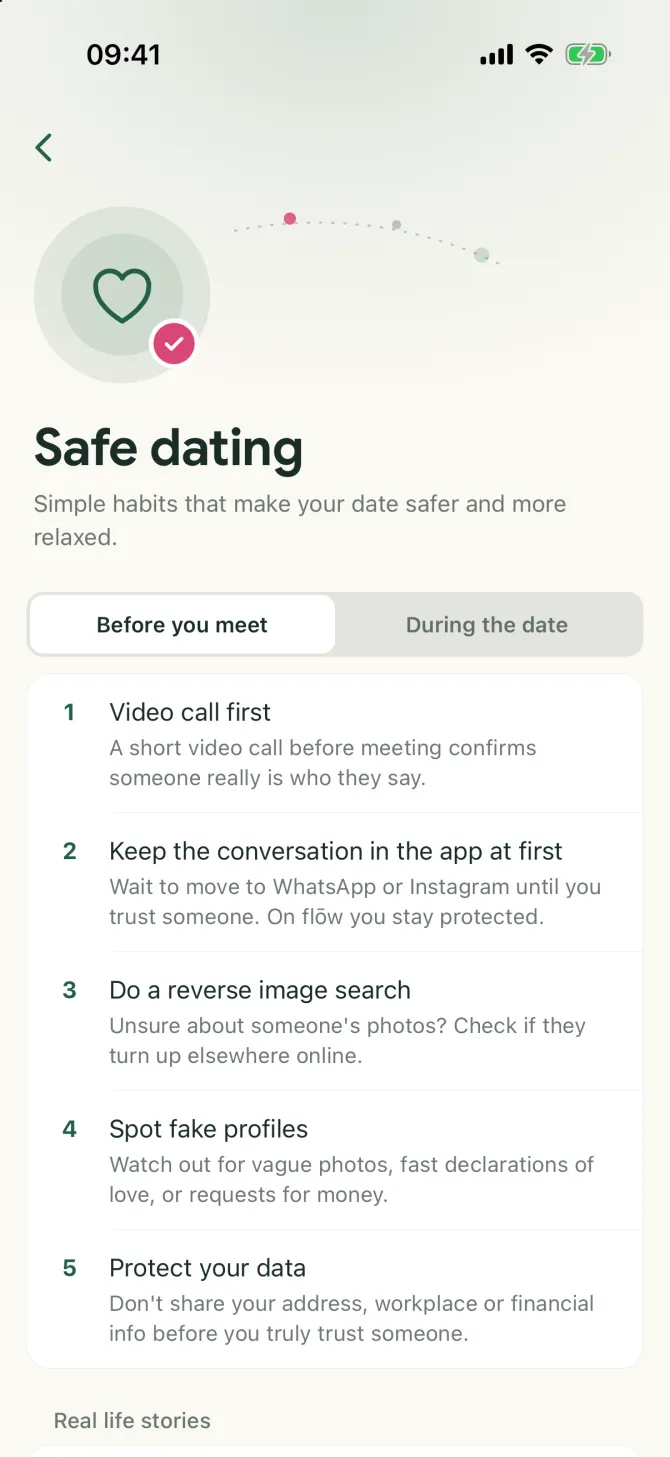
The Safety Centre in the app puts everything in one place: an emergency button, your emergency contact, a short safety check and every way to report something. The safety tips give simple habits for before and during a date.
Read the safety tips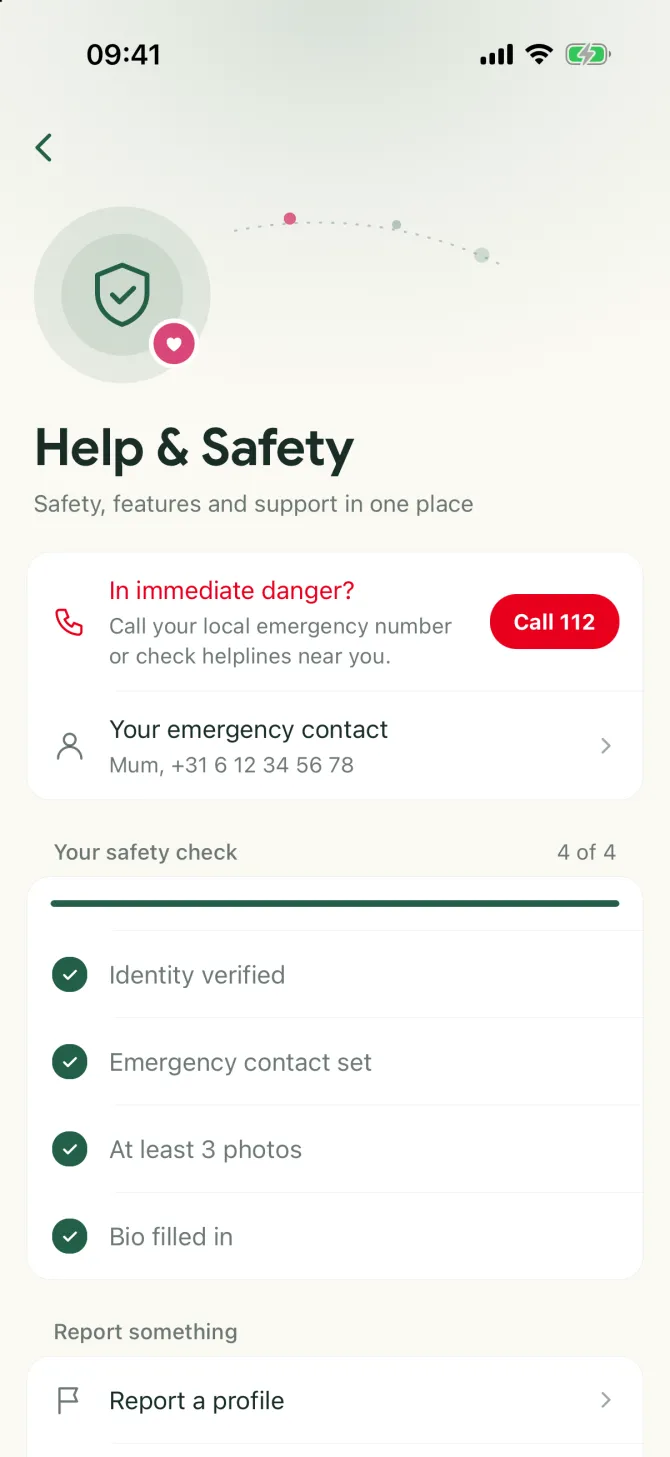
Show that
it is really you.
Verify with your ID and a quick selfie, and get the gold badge on your profile. It is optional: during sign-up or later in Settings.
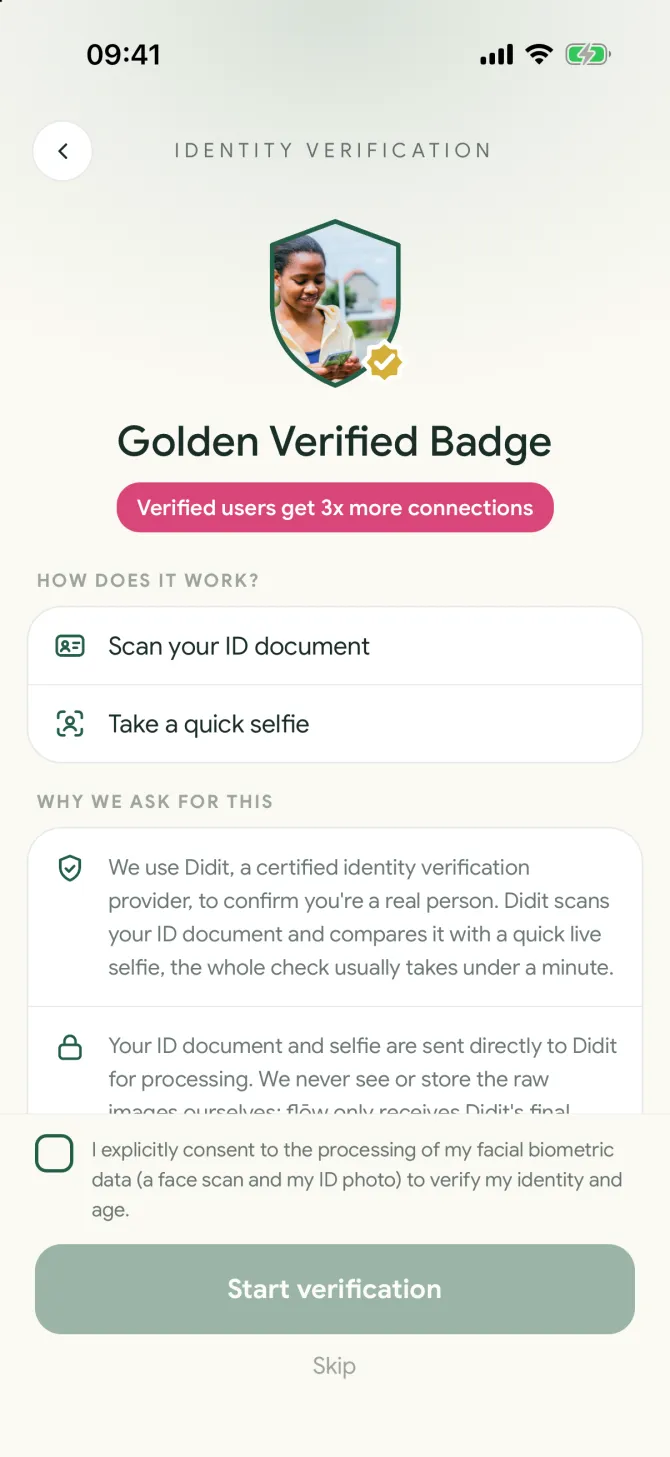
- Scan your IDHold your ID document up to the camera.
- A quick selfieDidit, a certified verification provider, compares your selfie with the photo on your ID. Usually within a minute.
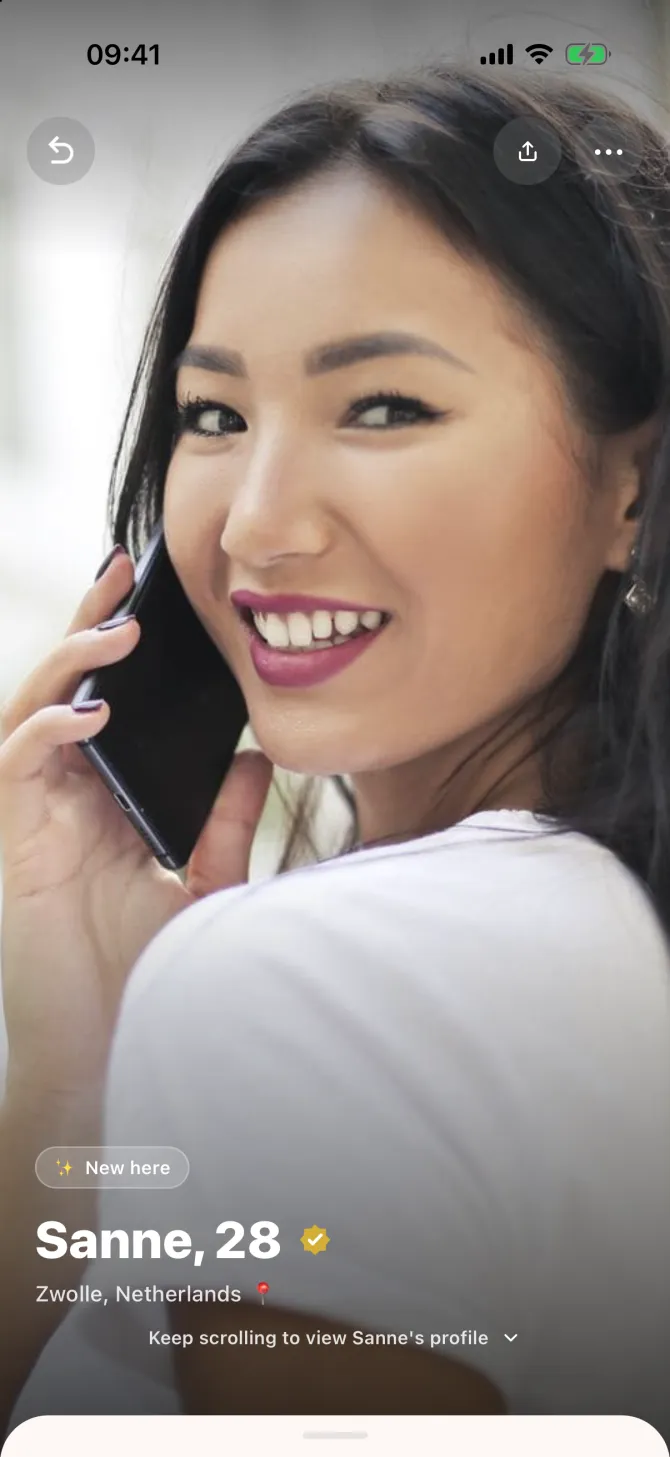
- The gold badgeOnce approved, the badge sits next to your name, on your profile and on your card in Discover.
- Your ID stays with DiditYour ID and selfie go straight to Didit. flōw never sees or stores the images and only receives the result.
Something off?
Two taps.
Report or block someone from any profile. A report goes to real people who review it.
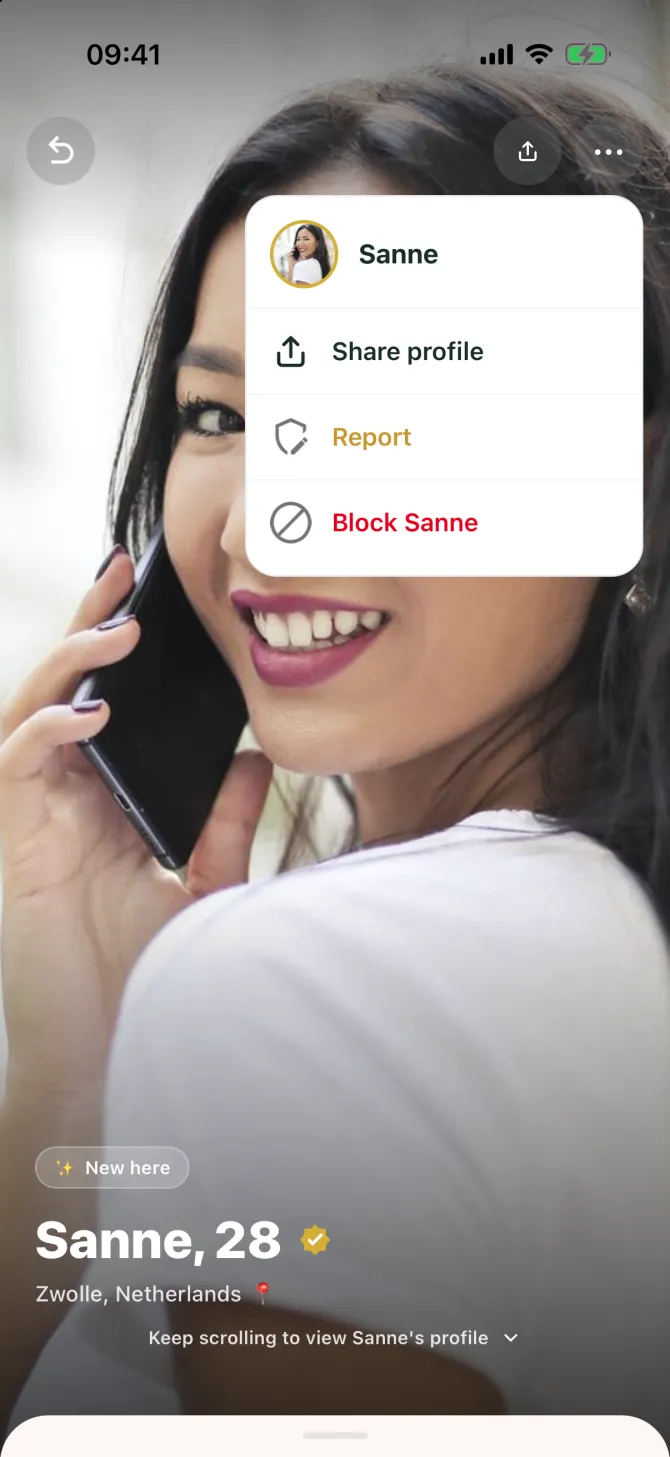
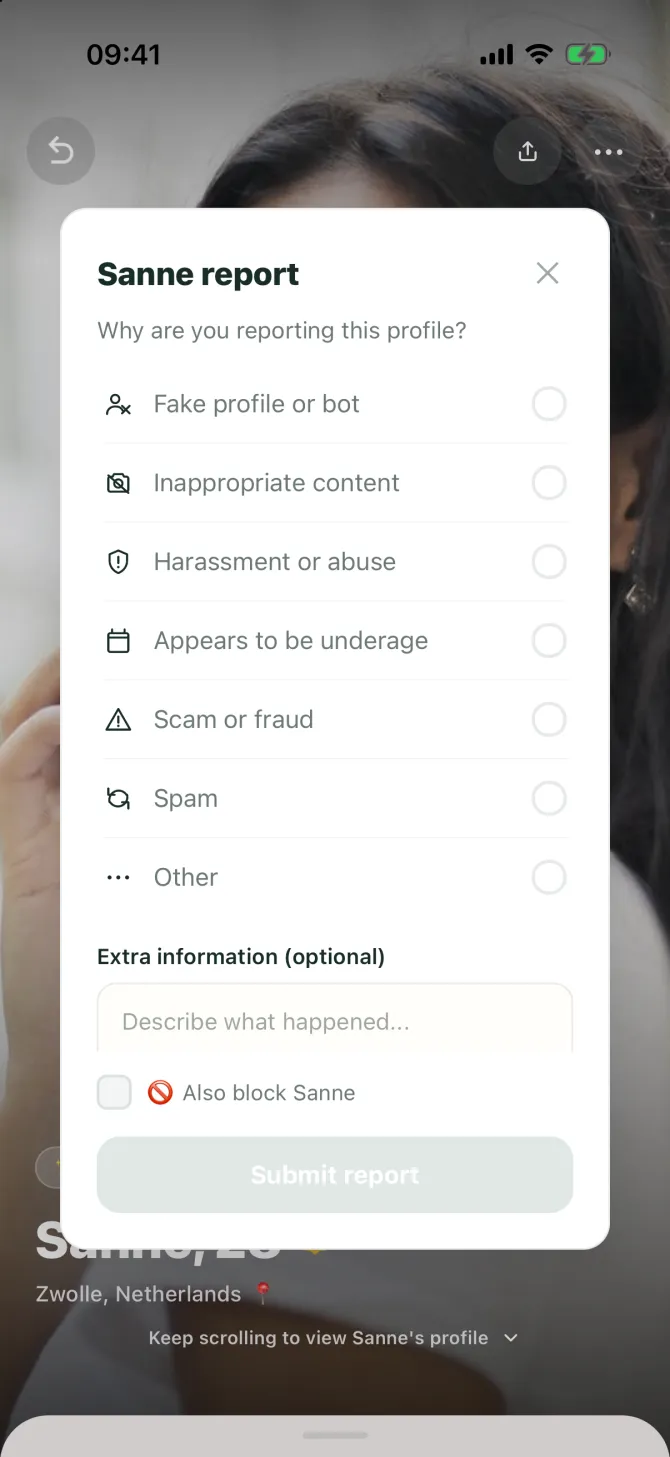
- Pick a reasonFake profile, inappropriate content, harassment, underage, scam, spam or something else. Add details if you like.
- Block straight awayTick “also block” to end the contact right away.
- We take a lookReal people review every report and act on it under our community guidelines.
- Free for everyone
- They do not see who reported them
- You can also hide your profile from one person
See where a hello
can lead.
Join for free, explore at your own pace, and make a plan when it feels right.
Get flōw